Build an MCP Client: Discovery, Routing, and Results
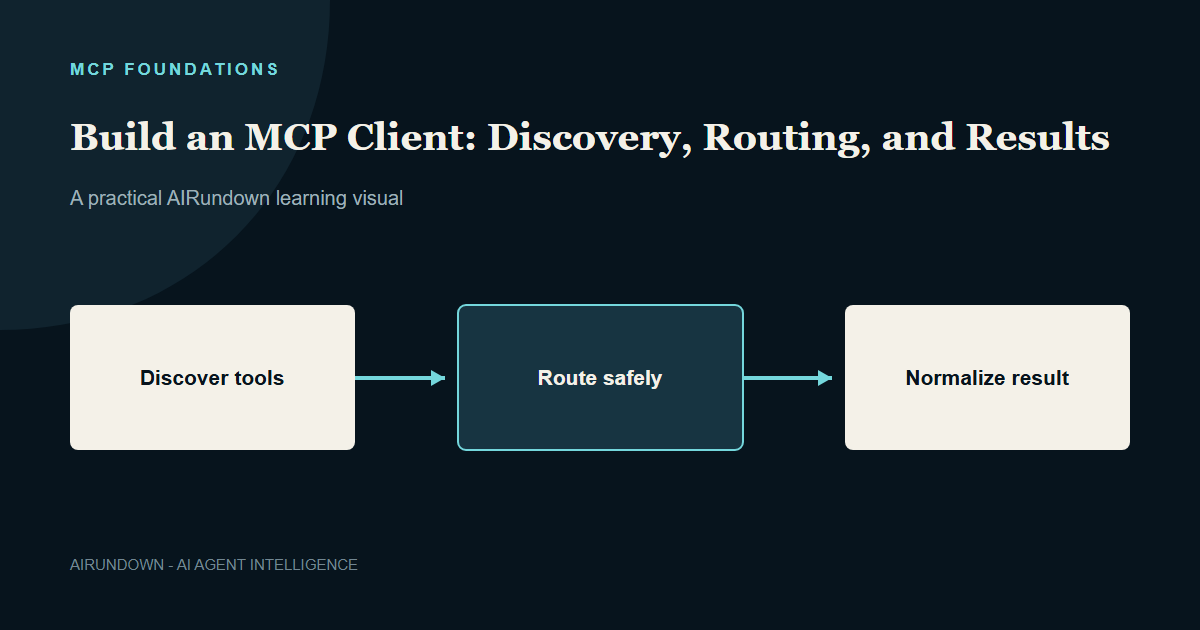
An MCP client is more than a network wrapper. In a real AI application it participates in connection management, capability discovery, tool mapping, authorization, routing, result normalization, and observability.
This tutorial builds the architecture of a small client manager using the official Python SDK patterns. Check the installed SDK for exact helper signatures.
Outcome
You will understand how to connect to servers, discover tools, build a registry, route an approved call, and normalize results without giving the model direct control of client connections.
The client boundary
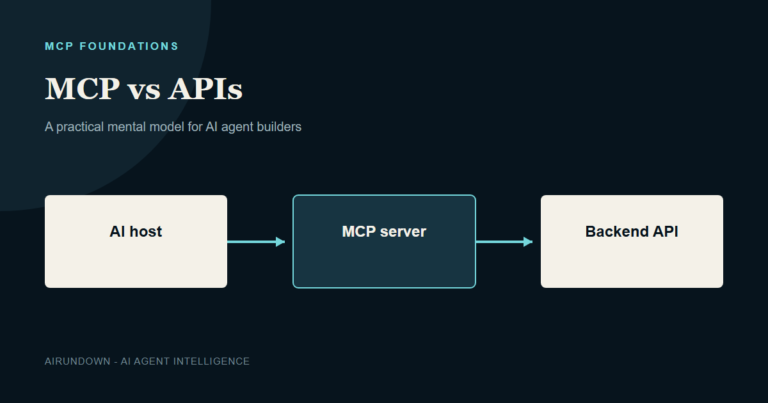
The host creates one MCP client per server connection. A client maintains protocol communication with its corresponding server. The host owns cross-server policy and model integration.
Do not let the model choose arbitrary server URLs or process commands. The host should connect only to reviewed configuration.
Step 1: represent configured servers
Create an application-owned configuration containing a stable server ID, transport settings, trust level, and policy labels.
servers = { "orders": { "transport": "stdio", "command": "python", "args": ["orders_server.py"], "risk": "internal-read" } }
In production, validate executable paths and avoid inheriting unnecessary environment variables.
Step 2: open a session
The Python SDK exposes ClientSession plus transport helpers such as the STDIO client. Conceptually, the host opens the transport and creates a session around the read and write streams.
async with stdioclient(serverparams) as (read, write): async with ClientSession(read, write) as session: tools = await session.list_tools()
Older protocol revisions and SDK releases may initialize sessions differently. Follow the current SDK examples for the server revision you target.
Step 3: build a tool registry
When a host connects to multiple servers, tool names can collide. Store server identity with each definition.
registry[(serverid, tool.name)] = { "session": session, "definition": tool, "policy": policyfor(server_id, tool.name) }
The model does not need internal transport details. The host can expose a namespaced or filtered name while retaining the exact route internally.
Step 4: filter before model exposure
Apply user, tenant, environment, task, and risk rules. A support user may see ordersgetstatus but not ordersissuerefund. A production deployment tool may be hidden outside an approved workflow.
Discovery tells the host what the server offers. It does not tell the host what the model should receive.
Step 5: map to the model interface
Convert selected MCP tool definitions into the function or tool format expected by the model provider. Preserve the tool description and input schema faithfully while applying host naming rules.
Store a reverse mapping from provider-facing name to server ID and original MCP tool name. Never route by asking the model which server URL to use.
Step 6: validate and route a proposal
When the model proposes a tool:
- Resolve the provider-facing name through the registry.
- Confirm the tool is still available for this session.
- Validate arguments against the schema.
- Authorize the user, tenant, object, and action.
- Request approval when required.
- Call the tool through the correct ClientSession.
entry = registry[routekey] result = await entry["session"].calltool( entry["definition"].name, arguments )
Authorization should also be enforced by the server. Host checks improve user experience and reduce unnecessary requests; server checks protect the domain boundary.
Step 7: normalize results
An MCP result may contain several content items or structured output. Convert it into an internal result object with status, structured data, model-safe content, server identity, duration, and error classification.
Do not concatenate arbitrary server content directly into a privileged prompt. Limit size, preserve content type, and treat embedded instructions as untrusted.
Handling dynamic catalogs
Tool lists may change. If the server supports relevant notifications, refresh the registry when signaled. Also use a freshness policy because notifications can be missed.
If a tool disappears between model selection and routing, fail clearly and refresh instead of guessing a replacement.
Connection health and concurrency
Track health per client. A failed ticket server should not invalidate a filesystem client. Bound concurrent calls, set deadlines, and use circuit breakers for repeatedly failing remote providers.
Serialize operations only when the downstream domain requires it. Over-serialization creates unnecessary latency; unlimited concurrency creates resource exhaustion.
Observability
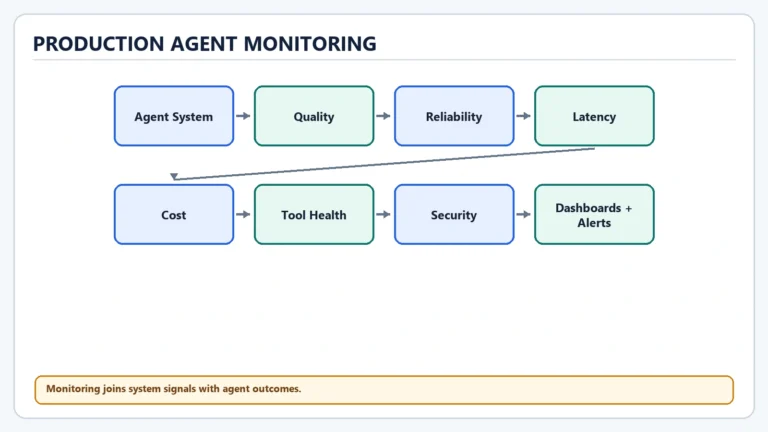
Record server ID, protocol version, tool name, request ID, duration, outcome, retry count, approval, and result size. Keep model reasoning separate from confirmed tool events.
Never log credentials or sensitive tool arguments by default.
Common mistakes
- One global session for unrelated servers.
- Letting the model select transport configuration.
- Exposing every discovered tool.
- Routing only by unqualified tool name.
- Passing raw server output into high-priority instructions.
- Treating a dropped connection as proof a write failed.
My Take
The client manager is the control surface where protocol capability meets product policy. Keeping routing explicit makes permissions, observability, and failure recovery understandable.
Continue learning
Read [MCP Client Architecture](/mcp-client-architecture/) and [Model Routing for AI Agents](/model-routing-for-ai-agents/).